


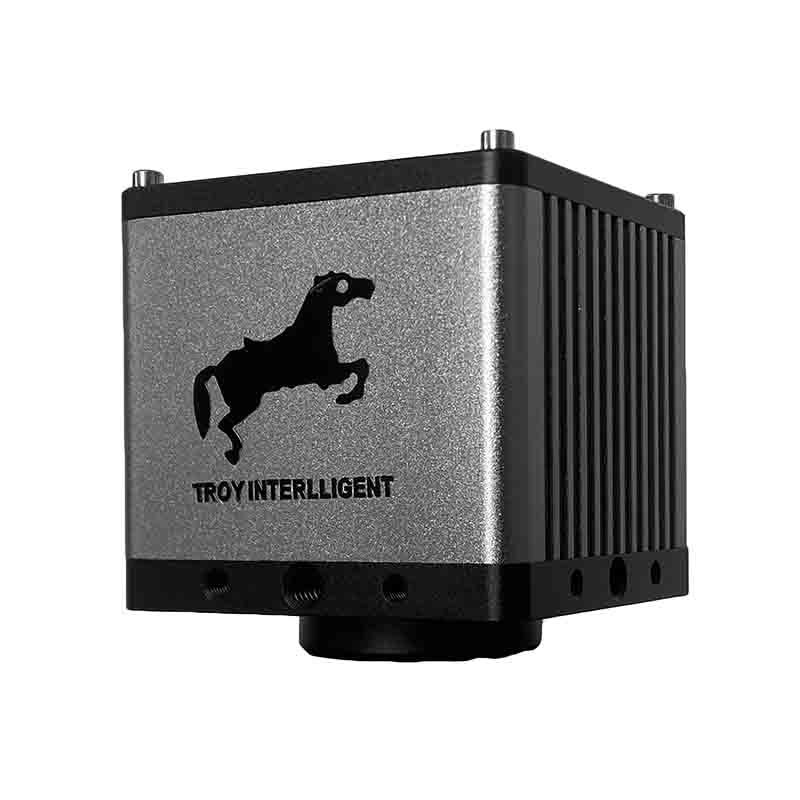
Smart Vision Camera TVN-SmartGo
The TVN-SmartGo_CL/BW is a vision camera for PCB inspection / metrology. Key specifications: Type Smart Vision Inspection Camera; Resolution 1600 x 1400; Frame rate Color/Black and White. Lead time is 7 days; pricing is quoted per configuration. Certifications: CE documentation on request.
- Model
- TVN-SmartGo
- Type
- Smart Vision Inspection Camera
- Resolution
- 1600 x 1400
- Frame rate
- Color/Black and White
- Network interface
- 100Mbps
- Video interface
- HDMI
What This Platform Is For
Model: TVN-SmartGo Type: Smart Vision Inspection Camera Resolution: 1600 x 1400 Frame rate: Color/Black and White Network interface: 100Mbps Video interface: HDMI IO interface: IO interface, RS232, power interface USB interface: 2 Storage method: U disk storage
Commercial Terms
| Quotation | Priced per configuration — reply within 48 hours |
|---|---|
| Lead time | 7 days |
| MOQ | 1 unit |
| Origin | China |
| Port of loading | Shenzhen, China |
| Incoterm | FOB Shenzhen / CIF on request |
| Payment | 30% deposit, 70% before shipment |
| Warranty | 24 months standard, 36 months optional |
Product Details
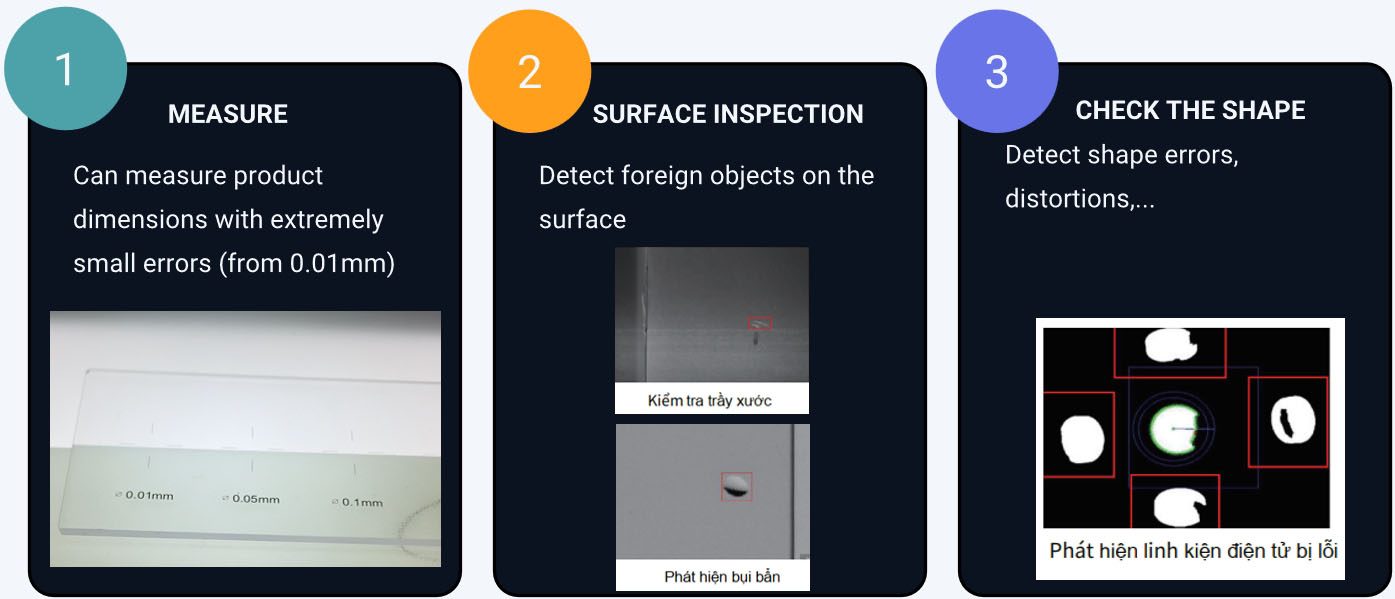
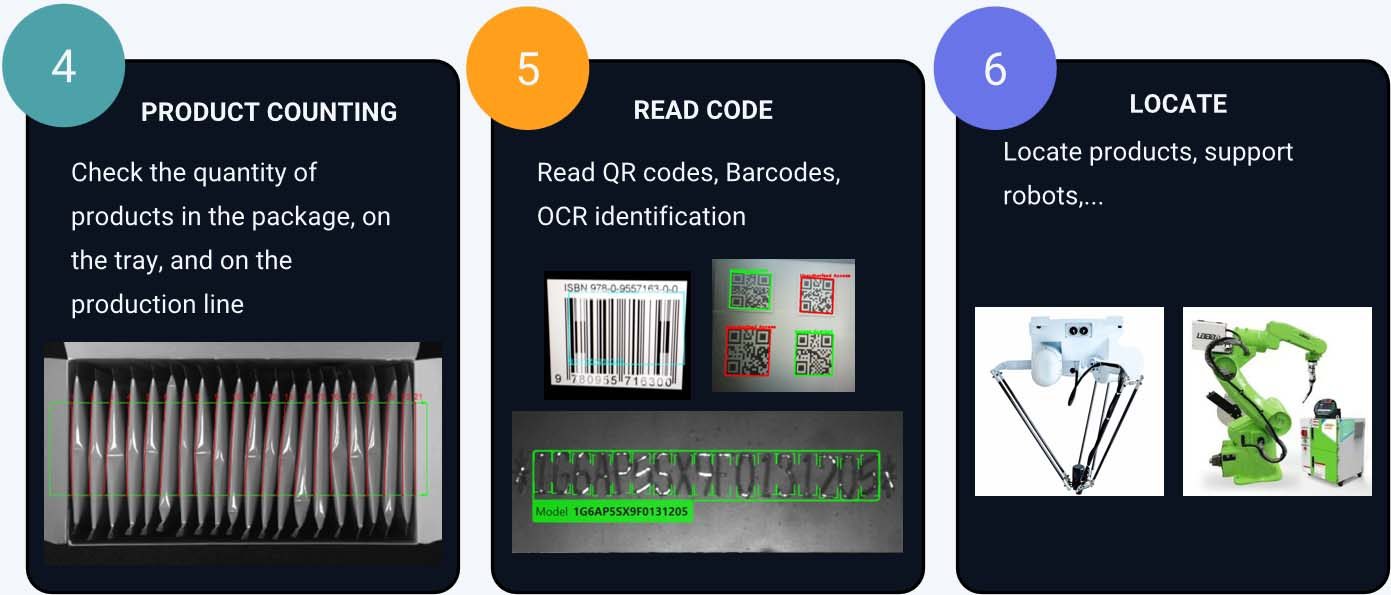
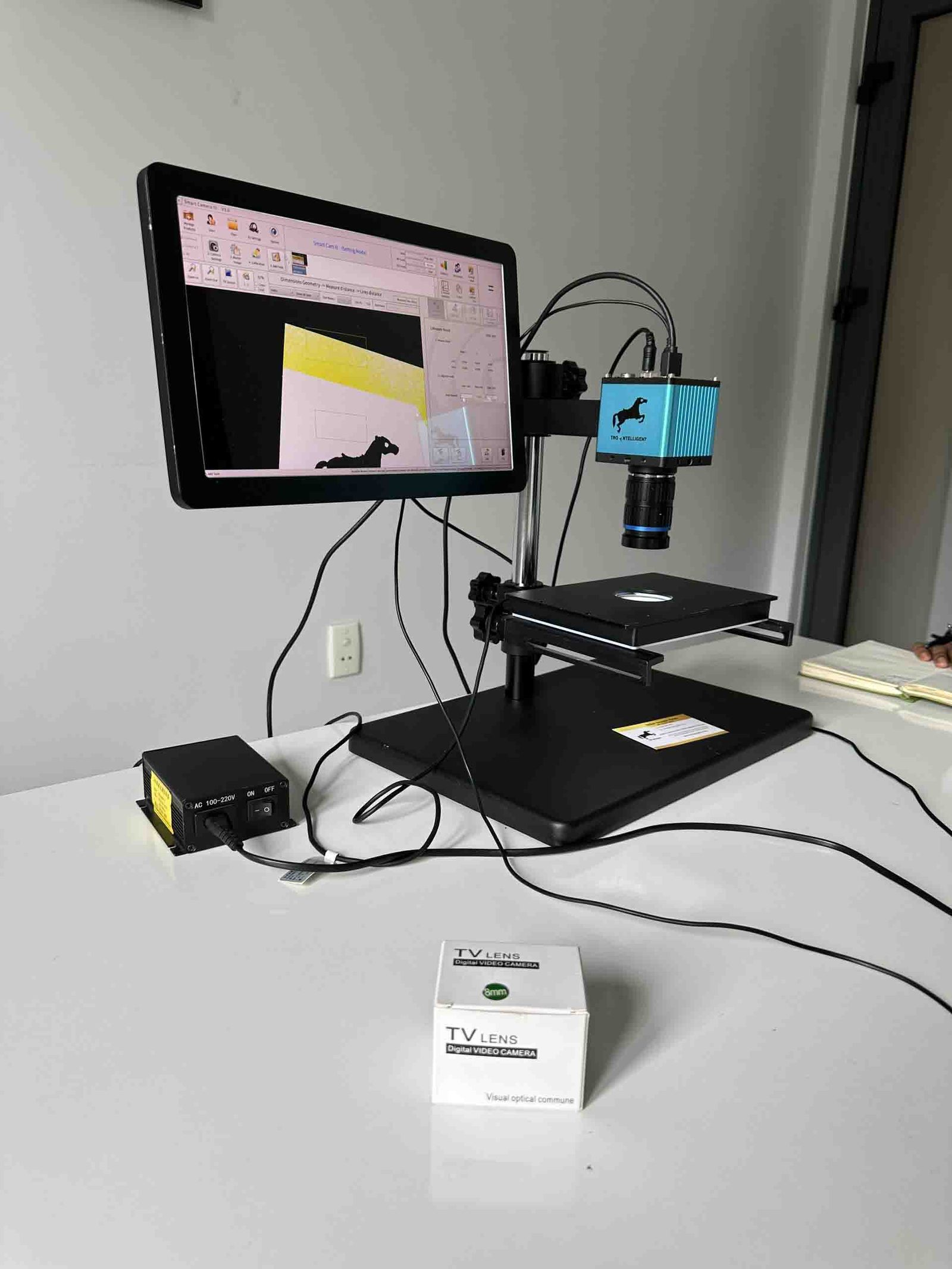
Application notes, construction drawings and video from the TROY engineering file — the same documentation shipped with the quotation.
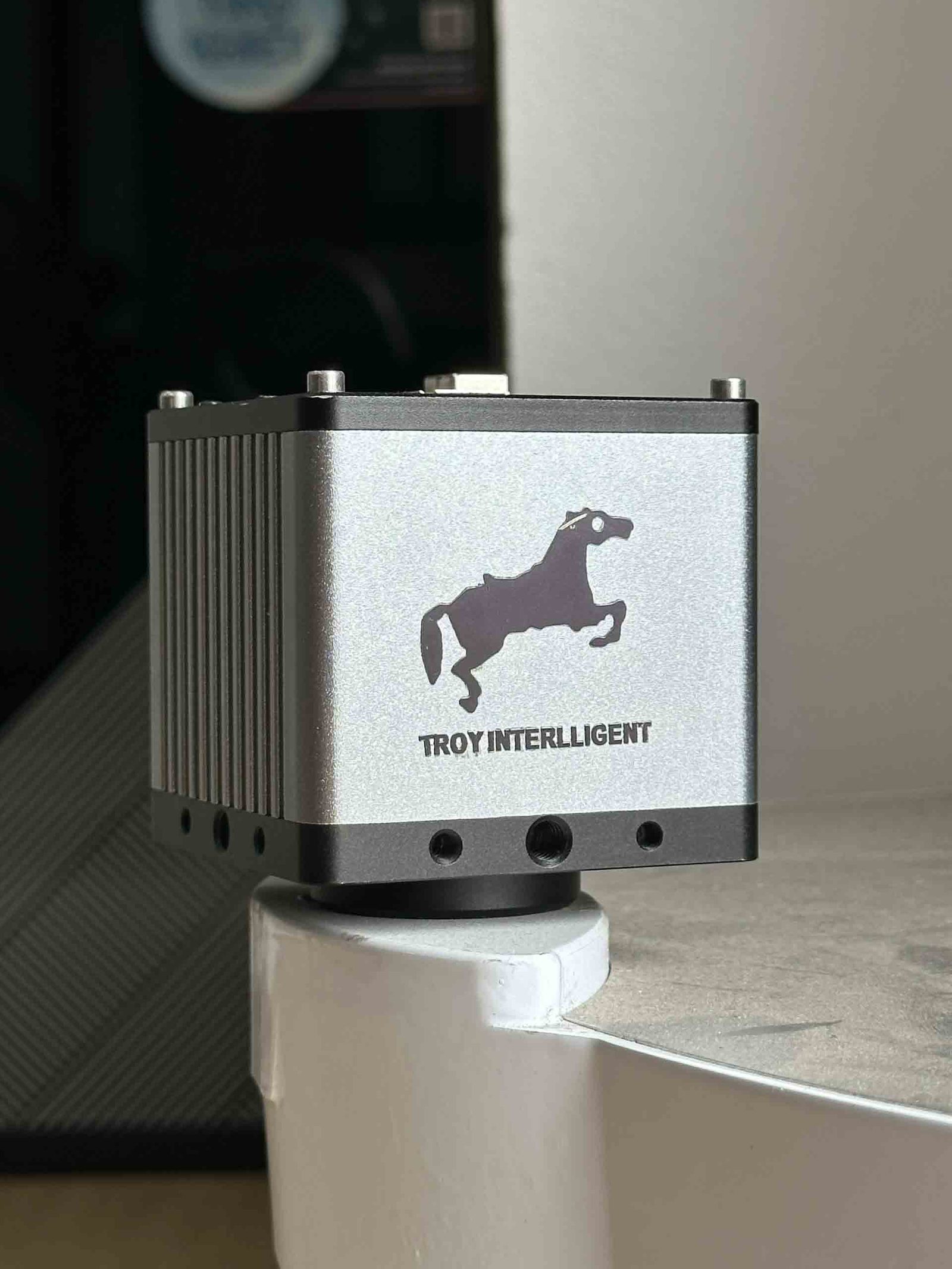
TVN-SMARTGO | |||
Chip structure | Xilinx Zynq | Optical size | 1/1.8inches |
Operating system | LINUX | Pixel size | 2.4um*2.4um |
Kernel structure | ARM COTEX A9 + FPGA | Resolution | 3072*1728(5.3 million) |
Memery and Main frequency speed | 512MB 666MHz | Frame rate | 30/25 fps |
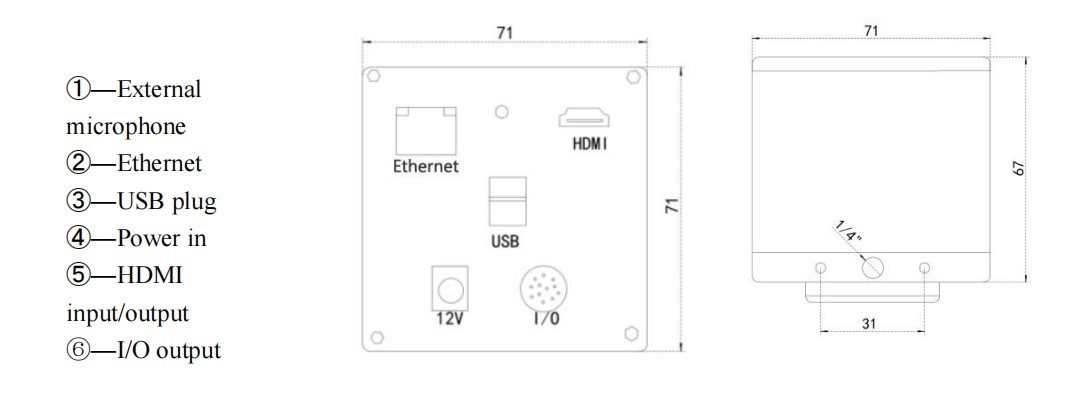
Output Interface | 2 USB ports. Can connect to U disk, wireless mouse or keyboard | ||
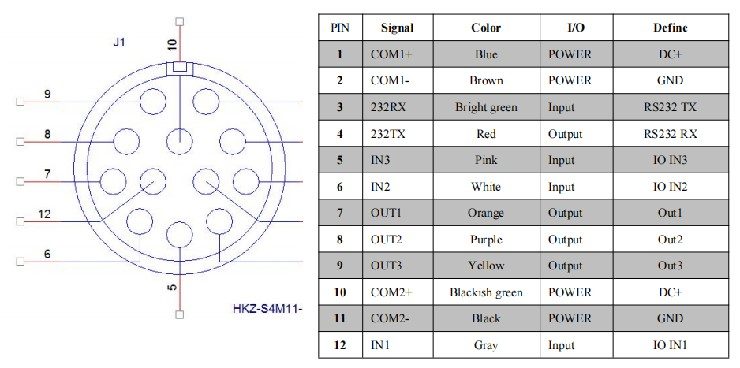
IO Interface | 3 groups of input, 3 groups of output, 12V level output interface, can be connected to photoelectric switch, wire control switch, PLC, etc. | ||
Operating temperature | 0-70 degrees | Video output | HDMI digital output |
Dimensions | 71*71*67mm | Lens interface | C mount |
Weight | 450g | Voltage input | DC 12-24V |
Set the detection range, including the search range and search object.
Change the size and movement of the detection range:
Use the mouse to drag the white drag point on the wire frame to resize the detection range.
When the mouse cursor turns into a cross arrow within the frame, you can drag the range to move it.
Utilize a rotated rectangle to adjust the angle of the rectangle to match the graphic direction.
Draw circles and rings:
Specify the first point on the circle's range, then specify the second and third points in the same way. An automatically generated circle passing through these three points.
Repeat the same method as above to draw additional circles, selecting three points outside or inside the existing circle.
These steps allow for customization and adjustment of the detection range during the editing process.
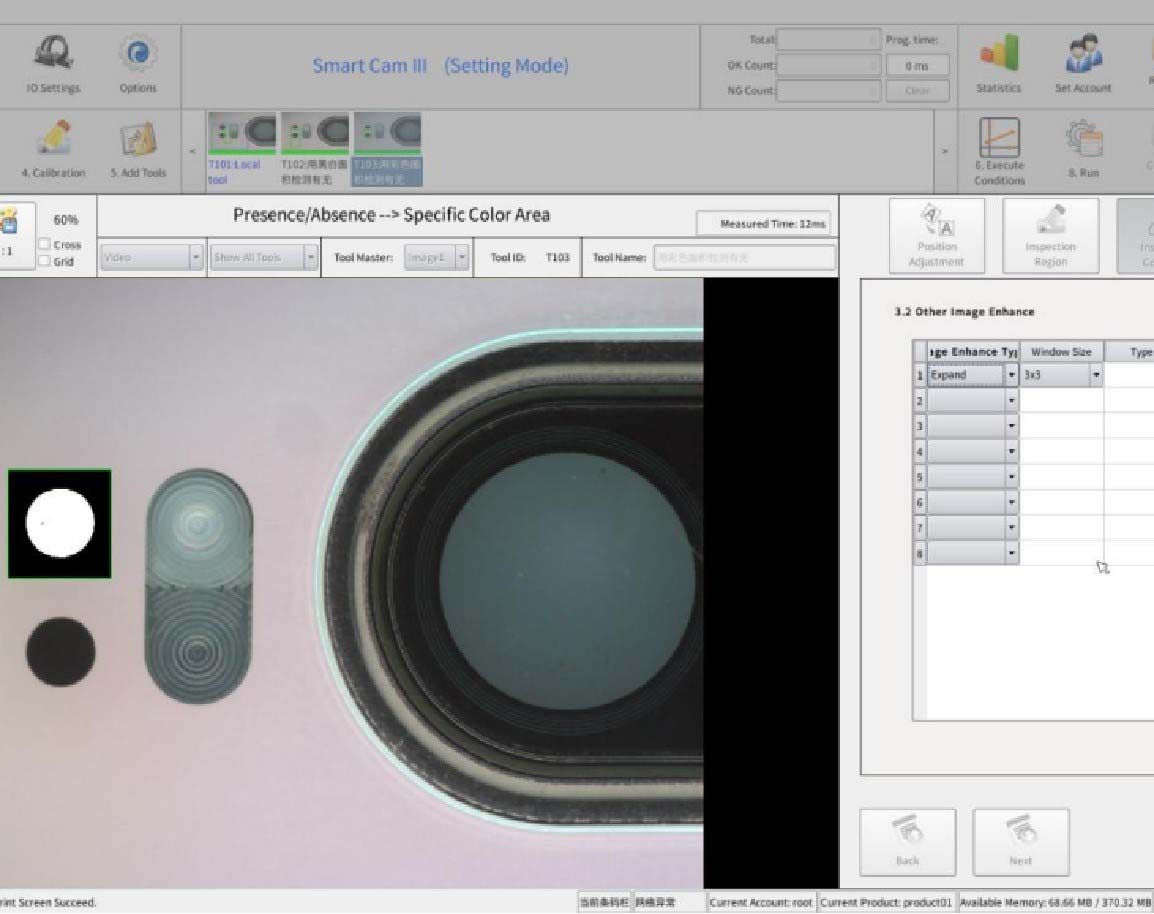
Preprocessing improves image stability by performing operations such as clutter filtering, expansion to remove noise, and corrosion to remove unstable pixels.
Gray binarization
Expansion
Corrosion
Median filtering
Mean filtering
Edge filtering.

Motherboard registration: Before executing the system, a sample motherboard is entered as a reference for defect comparison and inspection location identification. Up to three motherboards can be registered for each product.
Selecting a motherboard: When multiple motherboards are logged in, choose the specific motherboard you want to operate with.
Deleting motherboards: To remove unnecessary motherboards, select the motherboard name and right-click to bring up the delete option.
Display options: In the master setting window, you can switch between the master picture and real-time video screen using the "Display Master" and "Display Video" buttons respectively.
The motherboard login functionality allows for registering, selecting, and deleting motherboards, while the display options provide control over the displayed content in the master setting window.
Video frame rate: Choose between 50 frames/sec and 60 frames/sec to match different display requirements.
AE (Automatic Exposure): Automatically adjusts the exposure value based on current brightness. Manual adjustment is also possible by selecting the desired exposure value in milliseconds.
AWB (Automatic White Balance): Click the button while pointing the camera at a white object to automatically adjust the color value. Adjust RGB channel colors as needed to achieve a balanced image highlighting features.
Image optimization:
Contrast: Adjusts image softness or sharpness. Lower values result in softer images, while higher values enhance black and white contrast for clearer visuals.
HDR (Wide Dynamic Range): Suppresses strong light and increases brightness in darker areas.
SE (Sharpen): Enhances edge brightness for more distinct image characteristics, but higher values may introduce noise.
Gain adjustment: Adjusts overall color range and enhances image brightness. Settings can be saved.
Lock button: Prevents accidental changes to parameter values if desired.
These camera parameter adjustments allow for control over frame rate, exposure, white balance, image quality, and color enhancement.
Contour positioning is a technique used to locate product appearance contours. Here are the simplified steps to perform contour positioning:
Select the position offset tool, if it has been set before.
Set the search range by using a rectangular box to select the product outline that needs to be evaluated. Adjust the size and position of the box as desired. The green box represents the target area, and the blue box represents the search scope.
Set the detection conditions: a) Select "Perform pretreatment." b) Set the tilt angle range for the search object. A smaller range means faster processing time and improved operational efficiency. c) Adjust the edge sensitivity to remove unnecessary edges. This focuses on finding the product's edge contour instead of irrelevant or specific features that may hinder accurate positioning. d) Specify the search accuracy. e) Determine the minimum similarity value, which represents the degree of similarity between the target and other products. Finding the right balance is crucial for accurate matching.
By following these steps and conducting product tests, an appropriate similarity value can be determined for effective contour positioning.
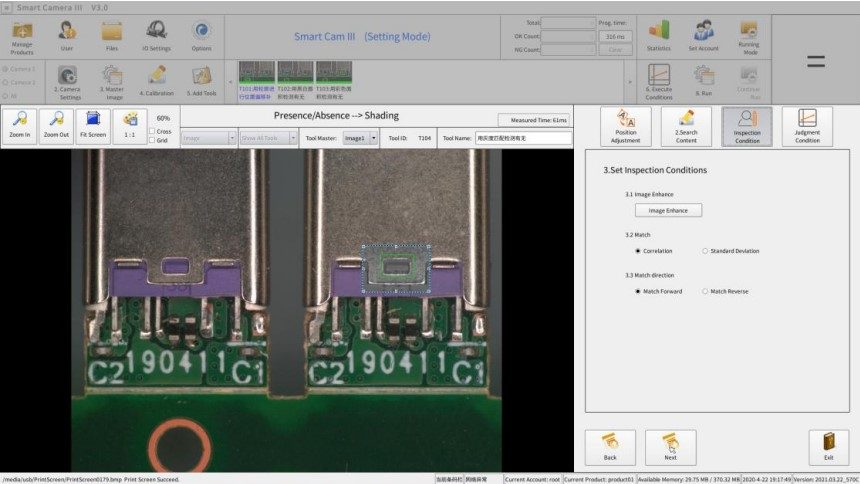
Blemishes are checked to determine if the product is defective or damaged. Here is a simplified explanation of the process:
Select the position offset tool, if it has been set before.
Set the search range by using a rectangular box to select the target area, which represents the product outline to be evaluated. Adjust the size and position of the box accordingly. The green box indicates the wipe target area, while the blue box represents the search range.
Set the detection conditions, including edge-related values, parameter settings, filter area, and binarization mask.
Set the judgment conditions, which involve specifying the upper and lower limits for the total detection area and the number of defective blocks.
By following these steps, you can assess whether the product has any blemishes or defects.
Manual and Catalogue Downloads
Original PDFs published on this product line — open or save directly, no form.
- TVN-SmartGO Vision Checking system manualManual · PDF 3.7 MB · 46 pages
Full Technical Data
| Model | TVN-SmartGo |
|---|---|
| Type | Smart Vision Inspection Camera |
| Resolution | 1600 x 1400 |
| Frame rate | Color/Black and White |
| Network interface | 100Mbps |
| Video interface | HDMI |
| IO interface | IO interface, RS232, power interface |
| USB interface | 2 |
| Storage method | U disk storage |
| Category | Electronic Microscopes & Vision |
| Lead time | 7 days |
Values are nominal at 20 °C. Download the datasheet for cad models, torque curves and controller I/O maps.
Where It Runs
Sized and commissioned by TROY engineers.
Sized and commissioned by TROY engineers.
Sized and commissioned by TROY engineers.
Sized and commissioned by TROY engineers.
Buyer Questions
What are the key specifications?
Model: TVN-SmartGo, Type: Smart Vision Inspection Camera, Resolution: 1600 x 1400.
What is the lead time?
7 days for the standard configuration; confirmed at quotation.
Can it be customised?
Yes — OEM/ODM options, voltage, tooling and branding can be adapted. Send the application and target output for a proposal.
Get a Priced Proposal for TVN-SmartGo_CL/BW
Include the part, target rate and destination port. An engineer — not a chatbot — replies within 48 hours.
Same Category
3D Super Depth-Of-Field Microscope TVN-3D3000M
Industrial AI 3D Vision Camera - FTR855-E1, 1280x960 Depth, 0.8-4.5m Range, IP65
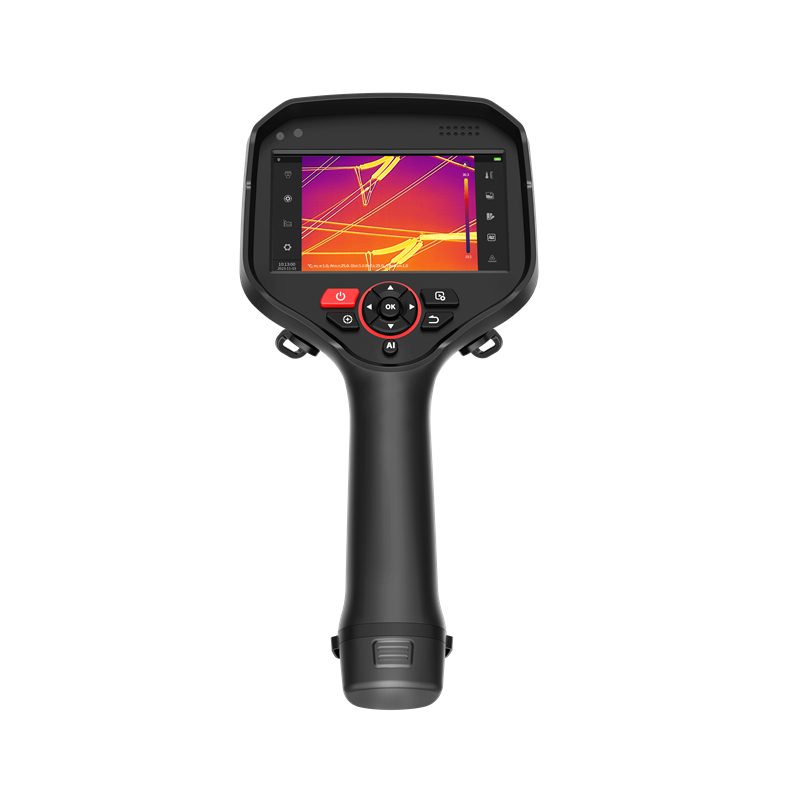
Expert Handheld Thermal Imaging Camera - RT625
Reviewed by TROY Engineering · . Specifications are re-checked against the supplier datasheet at every quotation.